
STORIES / PHOTOGRAPHY
Photograph your collection
Use simple side light and a repeatable set of angles to photograph a collection you can compare over time.
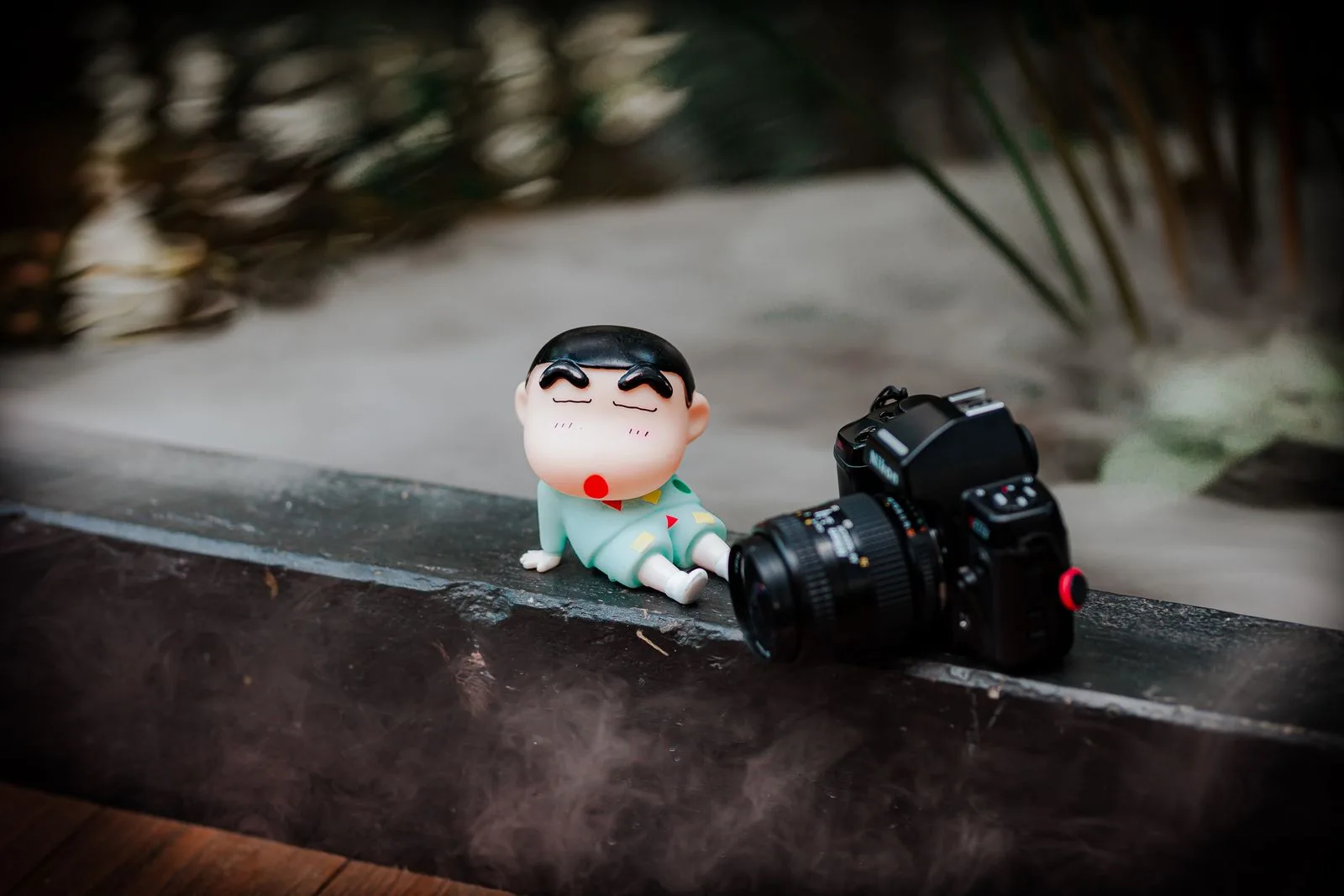
Set up one spot near a window
Start with plain paper or fabric and let light reach the object from one side. Move the object a little closer to or farther from the window and watch the shadows. If one side is hard to see, try placing a white sheet of paper just outside the frame on that side.
Keep the camera at roughly the object’s height for the first photo. Put a small mark under the setup or note the spot so you can return to it next time.
Change the angle for glossy pieces
A bright patch can hide card art or the face of a glossy pin. Check the preview and move the camera or turn the piece a little. Save a straight-on photo for shape and a second angle if it shows the finish more clearly.
Take an overall shot and a close-up
Photograph the whole piece before moving closer. For a figure, a side view can show a detail hidden by the pose from the front. For plush, a close-up can show stitching, and for a pin, the back can show the fastening.
If your phone cannot focus close enough, move back until the detail is sharp and crop the photo afterward. Check the result at full size before putting the piece away.
Name photos so you can find them again
Use the same reference in the journal and the files, such as FIG-004-front and FIG-004-side. Add a date when you photograph a condition change. A consistent background and angle make the next comparison easier.
Photo: Nguyễn Tiến Thịnh / Pexels